Review inventory and device health
See the hardware and software on each computer and what changed after a scan. Review last-seen information together with CPU, memory and disk usage.
Example task · Find a computer whose memory capacity changed.
Start with your environment and pilot scope. Install the server, add computers and check the first results before moving into daily use.
Request a demoStart with your device count and needs. Together, clarify closed-network conditions, installation ownership and the work to evaluate in the pilot.
Know what to check at the end of each stage.
MelfaGuard runs on your own server and supports closed networks. Complete environment details in the setup interface and create the first administrator account.
Check that you can sign in to the management console.
Add the MelfaGuard agent to each managed computer using the installation package. The setup interface shows progress and the result.
Find the new computer awaiting approval in the console.
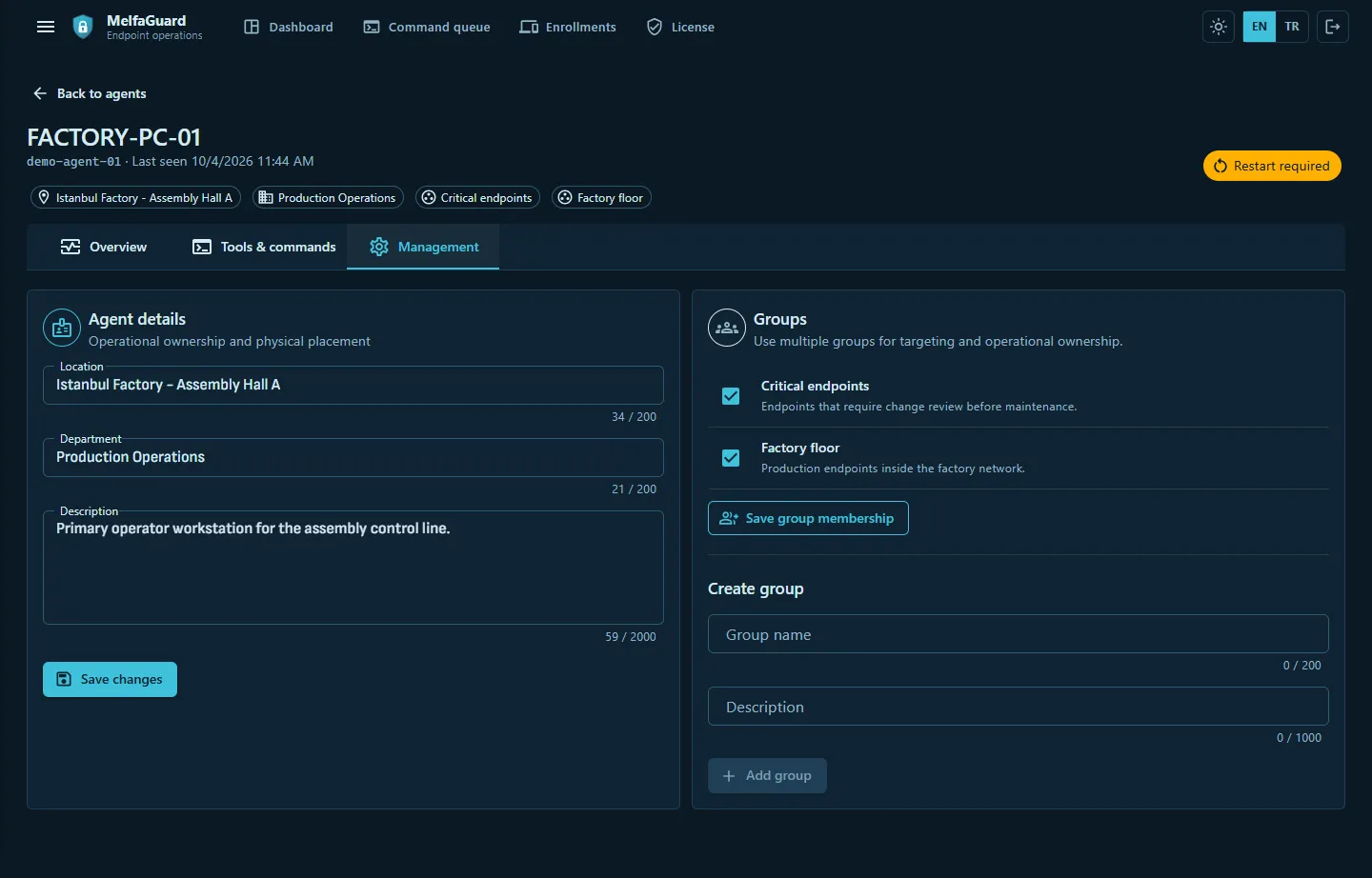
An administrator reviews and approves computers requesting to join. Add location and department details and organize devices into groups.
Check the approved device’s connection and last-seen status.
Collect hardware and software inventory. The first scan creates a baseline. Track changes received through later successful scans.
Review inventory and the result of an authorized diagnostics request.
Follow daily work in one console, from understanding a computer to investigating a problem and sharing reports with your team.
See the hardware and software on each computer and what changed after a scan. Review last-seen information together with CPU, memory and disk usage.
Example task · Find a computer whose memory capacity changed.
Query Windows System or Application records on demand for a computer with a problem. Filter by severity and search by Event ID or provider.
Example task · Review records of an application error.
Within your permissions, use supported diagnostics, process-list, temporary-file cleanup or restart tools. Follow queued, running and completed states.
Example task · Review a diagnostics request result for a device.
Review computers together through hardware, software or resource-usage reports. Export reports as CSV, Excel or PDF.
Example task · Identify the computers with a particular application.
MelfaGuard is in controlled pilot. Real-environment qualification of installation and daily workflows on supported Windows versions is ongoing. Review the tasks you expect to use in your environment as part of the pilot evaluation.
Share your Windows device count, network conditions and the tasks you want to try first. Explore the console in a demo and define the pilot scope together.